
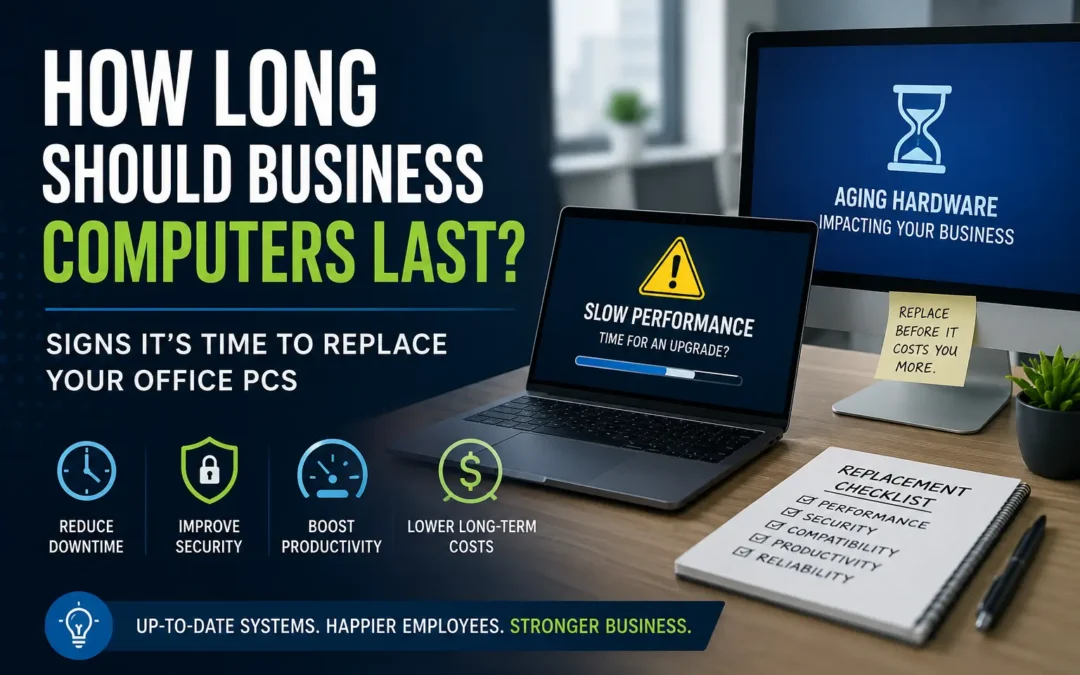
Businesses often wait too long to replace aging computers.
It makes sense at first. If a laptop still powers on, opens email, and connects to the internet, it can feel wasteful to replace it. But in real office environments, old hardware quietly creates problems long before it completely fails.
Slow startup times, freezing applications, unstable Wi-Fi connections, random crashes, poor video call quality, and compatibility issues all add up over time. Employees lose minutes throughout the day without realizing how much productivity disappears into waiting on outdated systems.
For many companies, aging computers become a hidden operational cost.
Want to see more content like this? Add us as a Preferred Source on Google to see more of our articles when you search.
How Long Do Business Computers Typically Last?
Most business computers have a practical lifespan of about:
- Desktops: 5 to 7 years
- Laptops: 3 to 5 years
- High-performance workstations: 4 to 6 years
That does not mean the hardware becomes unusable after those timelines. Some systems may continue functioning for years longer. The real question is whether they are still reliable, secure, and efficient enough for daily business use.
A computer that technically works can still create expensive problems.
In many offices, performance issues develop gradually. Employees adapt to them slowly over time:
- waiting an extra minute for startup
- rebooting systems regularly
- reopening frozen applications
- avoiding software updates
- keeping too many browser tabs closed to preserve memory
Eventually, those small frustrations become normal.
Signs Your Office Computers May Be Nearing Replacement
1. Startup and Login Times Keep Getting Worse
One of the earliest warning signs is slow boot performance.
If employees are waiting several minutes each morning just to log in and begin working, the system is already affecting productivity. Traditional hard drives, aging SSDs, insufficient RAM, and outdated processors commonly contribute to this problem.
This issue becomes even more noticeable after major operating system updates.
2. Applications Freeze or Crash Regularly
Modern business software demands more resources than it did a few years ago.
Programs like:
- Microsoft 365
- QuickBooks
- Adobe Creative Cloud
- CRM platforms
- Teams or Zoom
all continue becoming more resource-intensive.
Older systems often struggle to keep up, especially when multiple applications are running at the same time.
Frequent freezing is not just frustrating. It can also increase the risk of unsaved work, corrupted files, and interrupted workflows.
3. Employees Avoid Software Updates
When computers become older, updates often slow systems down further. As a result, employees sometimes delay updates or ignore them entirely because they worry the device will become unusable afterward.
That creates serious cybersecurity concerns.
Unsupported or outdated operating systems can expose businesses to:
- ransomware
- phishing attacks
- software vulnerabilities
- compliance risks
This becomes especially important for companies handling sensitive customer or financial information.
4. Video Calls and Remote Work Performance Are Poor
Remote and hybrid work environments changed hardware expectations significantly.
A computer that worked fine in 2019 may struggle with:
- constant video meetings
- screen sharing
- cloud applications
- VPN connections
- browser-heavy workflows
If employees complain about lag during meetings, audio issues, frozen cameras, or unreliable performance while multitasking, the hardware may simply be too old for modern workloads.
5. Replacement Parts Are Becoming Difficult to Find
At a certain point, maintaining older systems becomes inefficient.
If your business IT provider is spending excessive time:
- sourcing replacement components
- troubleshooting recurring issues
- repairing systems repeatedly
it may be more cost-effective to replace the hardware entirely.
This is especially true for devices older than five years.
6. Employees Are Losing Time Every Day
Most businesses underestimate how expensive slow computers really are.
If a single employee loses:
- 10 minutes per day waiting on slow systems
- 5 minutes restarting frozen applications
- additional time dealing with crashes or instability
the lost productivity compounds quickly across an entire company.
For a team of 20 employees, even small inefficiencies can translate into hundreds of lost work hours every year.
7. The Device Cannot Support Current Security Standards
Older hardware often lacks support for modern security features.
This may include:
- TPM 2.0 requirements
- advanced encryption
- secure boot capabilities
- Windows 11 compatibility
- modern endpoint protection tools
As cybersecurity threats continue evolving, outdated devices become increasingly risky to keep in production environments.
Is It Better to Upgrade or Replace?
Sometimes upgrades still make sense.
Adding:
- additional RAM
- SSD storage
- updated Wi-Fi cards
can extend the life of newer systems significantly.
However, upgrades become less practical when:
- the processor is outdated
- the motherboard is aging
- multiple components are failing
- the system is no longer supported
- replacement labor costs become excessive
In many cases, businesses spend too much money attempting to extend hardware that is already near end-of-life.
Why Businesses Delay Hardware Replacement
Many companies postpone replacements because the problems develop gradually.
Unlike a server outage or internet failure, aging computers rarely fail all at once. Instead, they slowly become less reliable over time.
Business owners often prioritize:
- software expenses
- staffing
- operations
- growth initiatives
while hardware replacement gets delayed another year.
Unfortunately, older systems usually begin failing at the worst possible times:
- during onboarding
- during tax season
- during major projects
- during cybersecurity incidents
Planned replacement cycles are almost always less disruptive than emergency replacements.
Windows 10 End of Support Is Accelerating Replacement Cycles
Many businesses are currently reevaluating their computer inventory because of Windows 10 end-of-support deadlines.
Systems that cannot support Windows 11 may soon face:
- security limitations
- software compatibility issues
- compliance concerns
- unsupported operating environments
For organizations still running older hardware, this is becoming a major planning consideration.
A Good Rule of Thumb for Business Hardware
As a general guideline:
- Replace laptops around the 4 to 5 year mark
- Replace desktops around the 5 to 7 year mark
- Replace sooner for power users or demanding workflows
- Maintain consistent replacement schedules instead of waiting for failure
Businesses that proactively manage hardware lifecycles usually experience:
- fewer disruptions
- better security
- more predictable IT costs
- improved employee productivity
Final Thoughts
Old computers rarely fail overnight.
More often, they slowly drain productivity, increase support issues, frustrate employees, and create avoidable security risks. Because those costs are spread out over time, they are easy to overlook.
A structured hardware replacement strategy helps businesses stay secure, efficient, and prepared for future software and security requirements.
If your team is constantly dealing with slow systems, instability, or compatibility problems, it may be time to evaluate whether upgrading or replacing your office computers makes better long-term financial sense.
Frequently Asked Questions
How often should a business replace computers?
Most businesses replace laptops every 3 to 5 years and desktops every 5 to 7 years depending on workload and reliability requirements.
Is it worth upgrading old office computers?
Sometimes. Adding RAM or SSD storage can improve performance on newer systems, but heavily outdated hardware is often better replaced entirely.
What are the risks of keeping old computers too long?
Older systems can increase cybersecurity risks, reduce employee productivity, create software compatibility issues, and lead to unexpected downtime.
Can old computers slow down an entire office?
Yes. Aging devices often struggle with cloud applications, video meetings, large files, and modern business software, which can impact daily workflows.
Should businesses replace all computers at once?
Not always. Many organizations use phased replacement schedules to spread costs out more predictably while keeping systems standardized.
About ITGuys
ITGuys is a Managed IT Support company that has been helping businesses solve technology problems since 2009. We work with companies of all sizes to provide reliable, practical IT solutions that keep teams productive and secure.
Our services include managed IT support, network cabling, office onboarding and offboarding, email migration, IT consulting, wireless networking, infrastructure upgrades, and ongoing technical support for businesses across the United States.
We believe technology should make business easier — not more frustrating. Our goal is to provide straightforward IT guidance that helps businesses avoid downtime, improve reliability, and make smarter technology decisions.
Recent Comments