
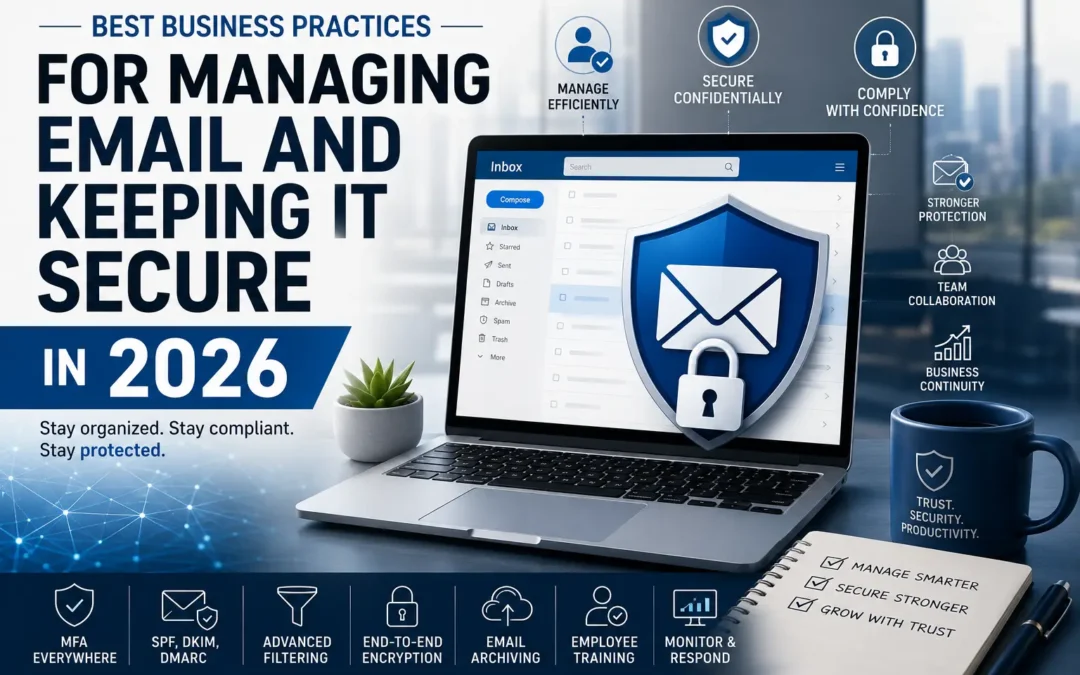
Email remains the backbone of business communication, and one of the most exploited attack surfaces in cybersecurity. Whether you run a small startup or a large enterprise, how you manage and protect your email directly impacts your productivity, reputation, and bottom line.
This guide covers the best business practices for email management and security, helping you stay organized, compliant, and protected against today's most common threats.
Want to see more content like this? Add us as a Preferred Source on Google to see more of our articles when you search.
Why Email Security and Management Matter for Businesses
Business email compromise (BEC) is among the costliest cyber threats facing organizations today. Beyond financial loss, poor email hygiene leads to missed communications, compliance violations, data breaches, and reputational damage. A strong email strategy addresses both sides of the coin: efficient organization and robust security.
Part 1: Best Practices for Business Email Management
1. Establish a Clear Email Policy
Every organization should have a written email policy that defines:
- Acceptable use of company email accounts
- Retention and archiving requirements
- Response time expectations
- Guidelines for sending sensitive information
A documented policy sets expectations for employees, reduces misuse, and supports compliance with regulations like GDPR, HIPAA, and SOC 2.
2. Use a Professional Business Email Domain
Avoid using free consumer email accounts (Gmail, Yahoo, Outlook personal) for business purposes. A branded email domain (e.g., yourname@yourcompany.com) builds trust with clients and partners, improves email deliverability, and gives your IT team centralized control.
3. Implement an Email Archiving Solution
Email archiving is essential for compliance and legal discovery. Best practices include:
- Automatically archiving all inbound and outbound emails
- Retaining emails for the period required by your industry (often 3–7 years)
- Ensuring archives are tamper-proof and easily searchable
4. Use Folders, Labels, and Filters Strategically
Encourage employees to keep inboxes organized using:
- Folders or labels by client, project, or department
- Automated filters to sort incoming mail by sender, subject, or keyword
- Inbox zero or inbox triage methodologies to prevent backlogs
A cluttered inbox is a security risk — important alerts and phishing warnings are more likely to be missed.
5. Set Up Shared Mailboxes for Teams
For departments like support, sales, or billing, use shared or alias mailboxes (e.g., support@company.com) rather than routing everything through a single personal account. This improves accountability, enables delegation, and ensures continuity when employees change roles.
6. Conduct Regular Email Audits
Periodically review:
- Active vs. inactive accounts (disable former employee accounts immediately)
- Forwarding rules that may be leaking data
- External access permissions granted to third-party apps
- Mailing lists and distribution group memberships
7. Train Employees on Email Etiquette and Productivity
Productivity best practices include:
- Limiting unnecessary "Reply All" usage
- Writing clear, concise subject lines
- Avoiding sending sensitive information via unencrypted email
- Using task management tools instead of email for internal collaboration where possible
Don't underestimate the importance of security in your email systems and communication practices. Downtime may seem like an IT problem, but even small periods of downtime can result in large costs to a business, damaged client trust, and hours of work for employees. We break down the cost of IT downtime in our comprehensive article The Real Cost of IT Downtime.
Part 2: Best Practices for Business Email Security
8. Enable Multi-Factor Authentication (MFA) on All Accounts
MFA is the single most effective step to prevent unauthorized account access. Even if a password is compromised, MFA blocks attackers from logging in. Use authenticator apps (e.g., Google Authenticator, Microsoft Authenticator) rather than SMS-based MFA where possible.
9. Implement SPF, DKIM, and DMARC Records
These DNS-based authentication protocols protect your domain from spoofing and phishing attacks:
- SPF (Sender Policy Framework): Specifies which mail servers are authorized to send email on behalf of your domain
- DKIM (DomainKeys Identified Mail): Adds a cryptographic signature to outgoing emails to verify authenticity
- DMARC (Domain-based Message Authentication, Reporting & Conformance): Tells receiving servers what to do when SPF/DKIM checks fail and provides reporting
Together, these dramatically reduce the risk of your domain being used in phishing campaigns.
10. Use End-to-End Email Encryption for Sensitive Communications
For highly sensitive information — financial data, healthcare records, legal documents — use email encryption solutions such as:
- S/MIME (built into many enterprise email clients)
- PGP/GPG encryption
- Secure email platforms like Proton Mail for Business or Tutanota
- Encrypted email gateways (e.g., Zix, Virtru)
Standard email is not encrypted in transit by default, meaning intercepted messages can be read.
11. Deploy Advanced Spam and Phishing Filters
Basic spam filters are not enough. Invest in advanced email security gateways that offer:
- AI-powered phishing detection
- Malicious link and attachment scanning
- Impersonation detection (spoofed executive names, lookalike domains)
- Sandboxing for suspicious attachments
Solutions like Microsoft Defender for Office 365, Google Workspace's Advanced Protection, Proofpoint, and Mimecast offer enterprise-grade filtering.
12. Apply the Principle of Least Privilege to Email Access
Employees should only have access to the email accounts and data they need to do their jobs. Avoid giving broad administrative access unless necessary, and audit permissions regularly.
13. Monitor for Suspicious Email Activity
Set up alerts for:
- Logins from unusual locations or devices
- Large volumes of outbound email (potential data exfiltration)
- Unexpected forwarding rules being created
- Failed login attempts
Many email platforms provide Security Information and Event Management (SIEM) integration for centralized monitoring.
14. Have a Clear Offboarding Process for Email Accounts
When an employee leaves:
- Immediately revoke their access
- Redirect their email to their manager for a defined period
- Archive their mailbox before deletion
- Audit any forwarding rules they may have set up
Failure to do this is one of the most common causes of data leaks and unauthorized access after employee departures.
15. Conduct Regular Phishing Simulations and Security Training
Human error is the leading cause of email security incidents. Run regular:
- Phishing simulation campaigns to test employee awareness
- Security awareness training on recognizing suspicious emails, spoofed addresses, and social engineering tactics
- Incident response drills so staff know how to report a suspected phishing attempt
Platforms like KnowBe4, Proofpoint Security Awareness, and Cofense make simulation and training easy to deploy at scale.
Part 3: Email Compliance Considerations
Depending on your industry and geography, email compliance may be mandated by law. Key regulations to be aware of include:
| Regulation | Who It Applies To | Key Email Requirements |
|---|---|---|
| GDPR | Businesses handling EU citizen data | Consent for marketing emails, data subject rights, breach notification |
| HIPAA | U.S. healthcare organizations | Encryption for PHI, access controls, audit trails |
| CAN-SPAM | U.S. commercial email senders | Unsubscribe options, honest subject lines, sender identification |
| CCPA | Businesses with California customers | Privacy disclosures, opt-out rights |
| SOC 2 | SaaS and cloud service providers | Security, availability, confidentiality controls |
Work with your legal and compliance teams to ensure your email policies and practices align with applicable regulations.
Email Security Checklist for Businesses
Use this quick-reference checklist to assess your current posture:
- [ ] Professional business email domain in use
- [ ] MFA enabled on all email accounts
- [ ] SPF, DKIM, and DMARC DNS records configured
- [ ] Advanced spam/phishing filtering deployed
- [ ] Email archiving solution in place
- [ ] Encryption available for sensitive communications
- [ ] Offboarding process for email accounts documented
- [ ] Regular phishing simulations conducted
- [ ] Email activity monitoring and alerts configured
- [ ] Written email policy distributed to all staff
Final Thoughts
Effective business email management is about more than keeping your inbox tidy — it's a critical part of your cybersecurity posture, regulatory compliance, and operational efficiency. By implementing the practices outlined in this guide, your organization can significantly reduce the risk of email-based attacks, protect sensitive data, and build trust with customers and partners.
Start with the highest-impact steps — enabling MFA, configuring authentication records, and training your team — and build from there. Email security is not a one-time project; it requires ongoing attention as threats and your business evolve.
Last updated: May 2026
Recent Comments