
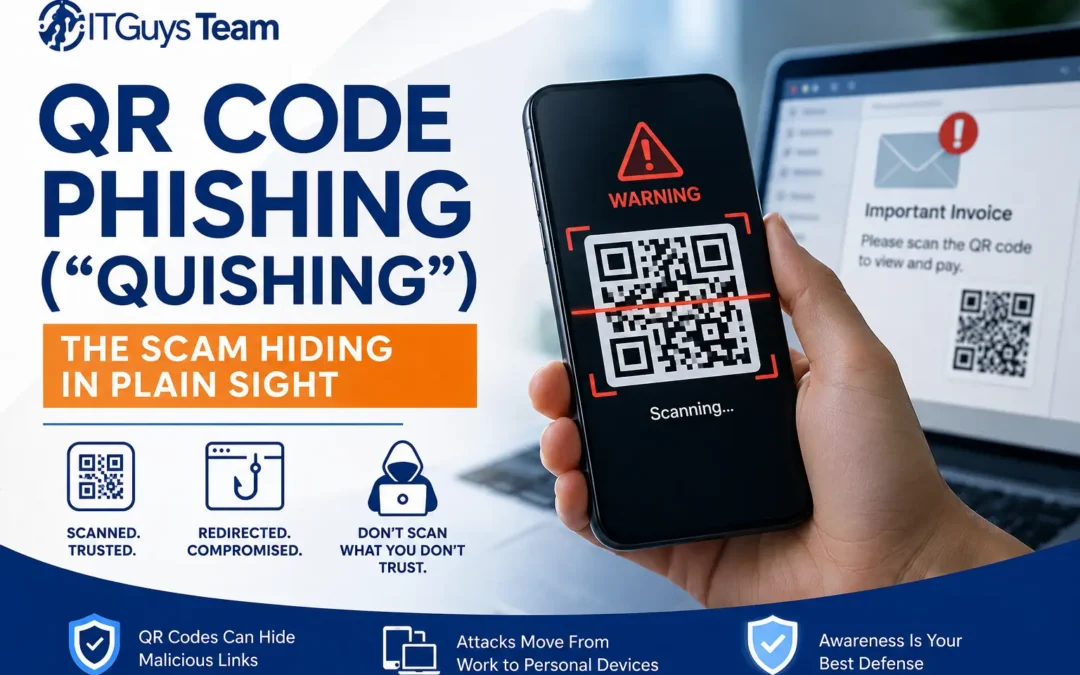
Most employees have been trained to hesitate before clicking a suspicious link in an email. Far fewer have been trained to hesitate before scanning a QR code, even though a QR code is doing exactly the same thing: sending you to a web address. That gap in awareness is exactly what attackers are exploiting right now, and it's turning an everyday convenience into one of the fastest-growing phishing formats of 2026.
QR code phishing, commonly shortened to "quishing," hides a malicious link inside a scannable image instead of typed text. The destination is identical to any other phishing attempt, a fake login page, a credential harvesting form, a malware download, but the delivery method slips past defenses that were built to catch text-based links.
Want to see more content like this? Add us as a Preferred Source on Google to see more of our articles when you search.
How fast this has grown
The Federal Trade Commission issued a consumer alert specifically warning about this tactic, noting that scammers frequently cover legitimate QR codes on parking meters with fraudulent ones and send malicious codes by text or email disguised as delivery or account notices.
Quishing represented just 0.8 percent of all phishing attacks worldwide in 2021. By 2025, that figure had climbed to roughly 12 percent of all phishing attempts globally, and the trajectory has only accelerated heading into this year. Threat intelligence tracked a 146 percent increase in quishing incidents in the first quarter of 2026 alone, with nearly 18.7 million individual incidents recorded in March. One enterprise security vendor detected more than 716,000 unique malicious QR codes in a single quarter of 2025.
The awareness gap is significant. Independent research found that only about 36 percent of QR phishing incidents are correctly identified and reported by the people who receive them, meaning the large majority succeed without anyone noticing until after the damage is done. Small and midsize businesses aren't catching a break here either. One analysis found smaller organizations see disproportionately more QR-based attacks than large enterprises, since attackers know smaller companies are less likely to have mobile-specific security controls in place.
Why this bypasses defenses that normally work
The mechanics of quishing are what make it genuinely harder to stop than a typical phishing email, for three specific reasons.
Email security tools scan text, not images. A malicious URL typed directly into an email body gets flagged by link-scanning filters. The same URL encoded into a QR code image often passes straight through, because the filter isn't reading the destination hidden inside the graphic.
The attack jumps from a monitored device to an unmonitored one. An employee reads a suspicious email on their work laptop, which is protected by corporate endpoint security, email filtering, and web protection. But when they scan the QR code, the resulting web page opens on their personal smartphone, a device that typically has none of those same protections in place. The scam completes entirely outside your security stack's visibility.
Some attacks use a bait-and-switch after the email has already passed inspection. Attackers increasingly use "dynamic" QR codes, the same type legitimate businesses use to update a destination without reprinting materials. When the email first lands and gets scanned by security software, the QR code points to a harmless page. Once it clears every filter and reaches the inbox, the attacker flips the destination on the back end to a phishing site. By the time an employee scans it, the link goes somewhere completely different than what was reviewed. Palo Alto Networks' Unit 42 threat research team has documented this technique as one of the more sophisticated evolutions of the format, since it defeats security tools that only inspect a link at the moment an email is delivered.
What quishing looks like in the real world
The formats vary, but a few patterns show up repeatedly in documented incidents and are worth training employees to recognize specifically:
- Fake invoices and payment requests. An email formatted to look like a vendor invoice includes a QR code instructing the recipient to "scan to pay" or "scan to update payment details," leading to a credential harvesting page or a request for banking information.
- Parking and public space tampering. Fraudulent QR code stickers have been found placed directly over legitimate codes on parking meters and signage in multiple cities, sending anyone paying for parking to a fake payment page instead.
- Fake delivery and package notifications. A text or email claiming a package couldn't be delivered includes a QR code to "reschedule" or "confirm your address," a format built specifically for the smartphone-first behavior most people have around package tracking.
- Spoofed IT and security notices. Emails impersonating internal IT or a software vendor ask employees to scan a code to "re-enroll" in multi-factor authentication or "verify" their account, a direct attempt to harvest credentials or MFA tokens.
- Physical posters in shared office space. Because QR codes are visual and easy to print, attackers have placed fraudulent codes on posters or flyers in building lobbies, elevators, and shared workspaces, counting on the assumption that anything printed and posted must be legitimate.
Warning signs worth training employees on
- Any email or text that creates urgency around scanning a code, especially involving payment, MFA re-enrollment, or account verification
- A QR code that arrives from an unexpected sender or appears in a message otherwise unrelated to any code-based process your business normally uses
- A physical QR code that looks like a sticker placed over another code, or one posted somewhere with no clear organizational ownership
- A scanned link that leads to a login page requesting credentials for a service the code wasn't expected to relate to
- Any request to scan a code to "confirm," "verify," or "reactivate" something the employee didn't initiate themselves
Practical defenses for businesses
Preview the destination before opening it. Most modern phone cameras show a preview of the URL before opening the linked page. Employees should be trained to actually read that preview, checking for misspelled domains or unfamiliar addresses, rather than tapping through automatically.
Treat QR codes with the same scrutiny as links, not less. The instinct to hesitate before clicking an unfamiliar link needs to extend to scanning an unfamiliar code. Since the destination is hidden until scanned, this requires deliberately slowing down rather than relying on visual inspection of the email itself.
Extend mobile devices into your security coverage. Since quishing succeeds specifically by moving the attack to a personal or less-monitored device, businesses with a bring-your-own-device policy or company-issued phones should ensure those devices have mobile threat defense and are covered by the same policies as laptops and desktops.
Verify payment and account changes through a separate channel. Any QR code tied to a payment request or account change should be verified through a phone call or a manually typed, previously known web address rather than by scanning the code itself, the same out-of-band principle that applies to wire transfer fraud and deepfake scams.
Inspect physical QR codes in your own office and public-facing materials. If your business displays QR codes anywhere, on signage, menus, checkout counters, or marketing materials, periodically check that the physical code hasn't been covered with a fraudulent sticker.
Build quishing into ongoing phishing awareness testing. Standard phishing simulations test email links. Since QR codes are a distinct delivery method, awareness training and simulated testing should include QR-based scenarios specifically rather than assuming general phishing training covers it.
A practical action checklist
- Add QR code scenarios to your next phishing awareness test rather than relying solely on email link simulations
- Confirm mobile devices used for work, whether company-issued or personal, have threat detection coverage equivalent to your laptops and desktops
- Set a policy requiring out-of-band verification for any payment or account change request that arrives via QR code
- Physically check any QR codes your business displays for signs of tampering or fraudulent stickers placed on top
- Remind employees to read the URL preview before opening any scanned link, and to treat unfamiliar domains the same as a suspicious typed link
For a broader look at how scam formats are evolving beyond quishing, our guide on Online Scam Protection 2026: How to Identify Fake Emails, Texts, and Messages covers the wider landscape of tactics businesses are seeing this year. And if you want a real example of how convincingly a modern phishing attempt can be disguised, we broke down an actual case in Fake Party Invites, Real Credential Theft: A Phishing Attack We Caught in the Wild.
Frequently asked questions
Is quishing more dangerous than regular email phishing?
Not inherently more sophisticated in what it's trying to steal, but more effective at avoiding detection, since the malicious destination is hidden inside an image rather than exposed as scannable text, and the scam often completes on a device outside the corporate security stack.
Can our email security software detect malicious QR codes?
Some modern email security platforms have added QR-specific scanning, but coverage varies significantly, and the dynamic QR code technique, where the destination changes after the email has already passed inspection, defeats even some purpose-built detection. Employee awareness remains a critical layer regardless of what technical tools you have in place.
Should we stop using QR codes in our own business materials?
No. QR codes remain a legitimate and useful tool. The risk comes from unfamiliar or unverified codes, not from the technology itself. It's worth periodically checking your own displayed codes for tampering, but there's no need to abandon a format your customers expect and use daily.
What should an employee do if they already scanned a suspicious code?
If they entered credentials or account information on the resulting page, those credentials should be changed immediately, and IT should be notified so the account can be monitored for unauthorized access. If a file was downloaded, the device should be disconnected from the network and checked before reconnecting. If money or sensitive personal information was involved, the incident can also be reported to the FBI's Internet Crime Complaint Center, which tracks these incidents nationally.
About ITGuys
ITGuys is a Managed IT Support company that has been helping businesses solve technology problems since 2009. We work with companies of all sizes to provide reliable, practical IT solutions that keep teams productive and secure.
Our services include managed IT support, network cabling, office onboarding and offboarding, email migration, IT consulting, wireless networking, infrastructure upgrades, and ongoing technical support for businesses across the United States.
We believe technology should make business easier, not more frustrating. Our goal is to provide straightforward IT guidance that helps businesses avoid downtime, improve reliability, and make smarter technology decisions.
Recent Comments