
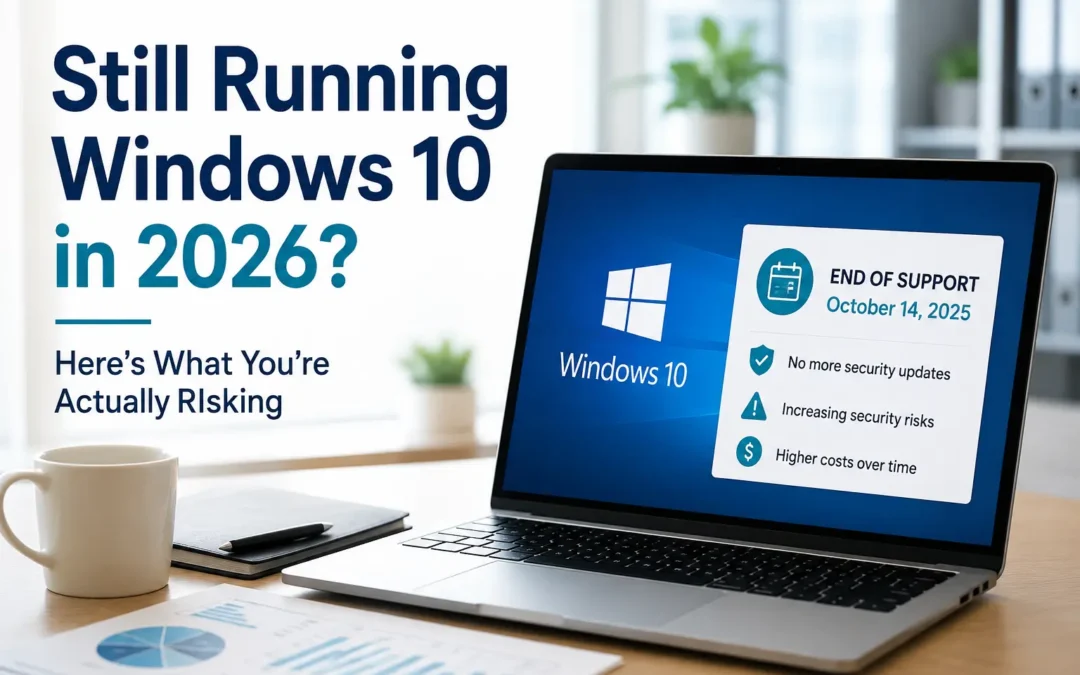
Windows 10 officially lost support on October 14, 2025. That date came and went quietly for most businesses. No dramatic shutdown, no red warning screen, nothing that forced anyone's hand. Computers running Windows 10 booted up the next morning exactly like they had the day before.
That's exactly the problem.
We've been doing managed IT for 15 years. If there's one pattern we've seen play out again and again, it's this: the risks that feel least urgent are usually the ones that end up costing the most. End-of-life software doesn't fail loudly. It quietly stops getting protected, and most businesses don't find out how exposed they were until something goes wrong. Right now, in mid-2026, a meaningful share of business PCs are still running Windows 10, and a lot of the people using them don't fully understand what's changed under the hood.
Here's what's actually going on, what it means for your business, and what to do about it.
Want to see more content like this? Add us as a Preferred Source on Google to see more of our articles when you search.
Windows 10 Isn't Gone. It's Just Unprotected.
"End of support" doesn't mean Windows 10 stopped working. It means Microsoft stopped fixing the security holes discovered in it. Feature updates, bug fixes, and, most importantly, security patches for newly found vulnerabilities are no longer delivered to standard Windows 10 installs.
That distinction matters more than most people realize. Attackers don't need to find a brand-new flaw to exploit an unsupported system. They just need to find any flaw discovered after the cutoff date, because they know it will never be patched on that machine. Unsupported operating systems become permanently soft targets. The gap between "vulnerability discovered" and "vulnerability weaponized" is often measured in days, not months.
Adoption data backs up how much of the business world is still exposed. Windows 11 overtook Windows 10 in overall market share earlier in 2026, but a substantial share of Windows devices, commonly cited somewhere in the mid-20s to around a third depending on the month and the data source, are still running Windows 10. On the business side specifically, that number tends to run even higher, since organizations with legacy line-of-business software, specialized hardware, or large PC fleets move slower than individual consumers usually do.
The Extended Security Updates (ESU) Program: What It Buys You, and What It Doesn't
Microsoft built an off-ramp for organizations that can't migrate immediately: the Extended Security Updates (ESU) program. It's worth understanding exactly what it does and doesn't cover. We've seen more than one business assume ESU is a full support extension. It isn't.
What ESU includes:
- Critical and important security patches only
- No new features, no bug fixes, no performance improvements
- No general technical support from Microsoft
What it costs (commercial/business pricing):
| Coverage Period | Price per Device |
|---|---|
| Year 1 (Oct 2025 - Oct 2026) | $61 |
| Year 2 (Oct 2026 - Oct 2027) | $122 |
| Year 3 (Oct 2027 - Oct 2028) | $244 |
The price doubles every year, and you can't buy Year 2 or Year 3 without also having paid for the years before it. Businesses that wait to enroll don't get a discount for delaying. They get hit with retroactive charges instead. A business that skips Year 1 and enrolls during Year 2, for example, ends up paying for both years just to get current. Organizations managing devices through Microsoft Intune or Windows Autopatch can get a reduced Year 1 rate, but the doubling structure still applies going forward.
For a business running 50 unmanaged Windows 10 devices, that's roughly $3,050 in Year 1 alone, climbing toward $6,100 in Year 2 and $12,200 in Year 3. That's money spent to keep the lights on with no new capability to show for it. Run the math across your fleet and it becomes clear pretty quickly why ESU is meant as a bridge, not a destination.
Consumers get a lighter version of this deal (free enrollment through settings sync, a Microsoft Rewards redemption, or a one-time $30 fee), but that consumer path ends entirely on October 13, 2026, and it was never available to domain-joined or MDM-managed business PCs in the first place.
The Deadline Nobody's Talking About: Secure Boot Certificates
Here's the part of this story most small businesses haven't heard yet, and it isn't limited to Windows 10. It affects Windows 11 and Windows Server too.
The cryptographic certificates that power Secure Boot, the feature that verifies your computer is only loading trusted, unmodified boot software, were issued back in 2011. They're reaching the end of their 15-year lifespan, and they started expiring in June 2026. A second, related certificate that signs the Windows Boot Manager itself expires in October 2026.
Devices that don't get updated to the newer 2023 certificates before those dates will keep booting normally. There's no dramatic failure moment. What they lose is the ability to receive future security protections for the earliest stage of the startup process: new bootloader signatures, revocation updates for compromised boot components, and defenses against bootkit-style malware that loads before your antivirus even wakes up. BlackLotus, the first UEFI bootkit known to bypass Secure Boot on a fully patched Windows 11 machine, is the exact class of threat this protects against.
Most current-generation, actively managed hardware receives the certificate update automatically through Windows Update. The devices at risk are the ones sitting in a closet as a spare, running older or unsupported firmware, offline for extended periods, or already unsupported because they're still on Windows 10 without ESU. For businesses already carrying Windows 10 machines past their support date, this is a second, compounding layer of exposure landing in the same calendar year.
Why This Matters More Than a Typical "Upgrade Eventually" Situation
We get it. IT refresh cycles compete with a hundred other budget priorities, and a computer that still boots and runs Excel doesn't feel broken. A few things make this particular end-of-life event higher stakes than most.
Attackers actively target the transition window. Threat actors watch end-of-support timelines closely because they know a predictable, large population of devices will go unpatched. Unsupported systems become disproportionately attractive targets precisely because the attacker knows any vulnerability they find will stay open indefinitely.
Compliance and insurance exposure. If your business handles regulated data or carries cyber insurance, running unsupported operating systems can put you in violation of policy language or compliance requirements without you realizing it, at least until a claim gets denied or an audit flags it. We've written before about why businesses are losing cyber insurance coverage in 2026. Outdated, unsupported infrastructure is exactly the kind of finding underwriters are looking for.
The cost curve only goes one direction. ESU pricing doubles annually by design, specifically to push migration rather than reward delay. The longer a business waits, the more expensive "buying more time" becomes. At a certain point, the three-year ESU total approaches or exceeds what a hardware refresh would have cost in the first place.
Hardware age compounds the problem. A meaningful number of Windows 10 holdouts are on that version because the hardware itself doesn't meet Windows 11's requirements. That means the fix isn't just a software upgrade, it's a device replacement, and that takes longer to budget and execute than most businesses assume.
What to Actually Do About It
If you're not sure where your business stands, here's the practical sequence we walk clients through:
- Inventory first. Get a real count of which devices are still on Windows 10, which are eligible for a free upgrade to Windows 11, and which will need new hardware. You can't budget or prioritize what you haven't measured.
- Separate "needs new hardware" from "just needs upgrading." These are two very different timelines and cost centers, and it's worth not letting them blur together in planning. We've made a guide to help with this decision: How Long Should Business PCs Last?
- Decide if ESU makes sense as a bridge, and for which devices. ESU can be the right call for a small number of legacy or specialized systems that genuinely can't move yet. It's usually the wrong call as a blanket strategy for an entire fleet.
- Check Secure Boot certificate status separately from your Windows 10/11 migration. This applies even to devices already on Windows 11, especially older hardware, devices with custom firmware, or anything that's been offline or dormant for a while.
- Build the migration into a real timeline with a budget owner, not a "someday" line item. Every month of delay is a month closer to the next ESU price increase and further into the Secure Boot deadline window.
Frequently Asked Questions
Does Windows 10 stop working after October 2025? No. It keeps functioning normally. What stops is the flow of new security patches, unless the device is enrolled in ESU.
Is ESU available to small businesses, or just large enterprises? It's available to organizations of any size through Microsoft's Volume Licensing Program, but it has to be purchased that way. Domain-joined and MDM-managed business devices can't use the simplified consumer enrollment path.
Can I just disable Secure Boot instead of updating the certificates? Technically yes, but it's not a real fix. Disabling Secure Boot removes a foundational layer of boot-level protection, can affect Windows 11 supportability, and may run afoul of cyber insurance or compliance requirements that assume it's active.
What happens if my business does nothing? Devices keep running, which is exactly what makes this easy to ignore. But every month without patches or updated boot certificates widens the window attackers have to exploit known, permanently unfixed vulnerabilities on your network.
Windows migrations and end-of-life transitions are rarely the most exciting item on an IT roadmap, but they're consistently one of the highest-leverage ones: a fixed-cost project today versus an open-ended risk tomorrow. If your business is still sorting out where its devices stand, that inventory step is the place to start.
Recent Comments