
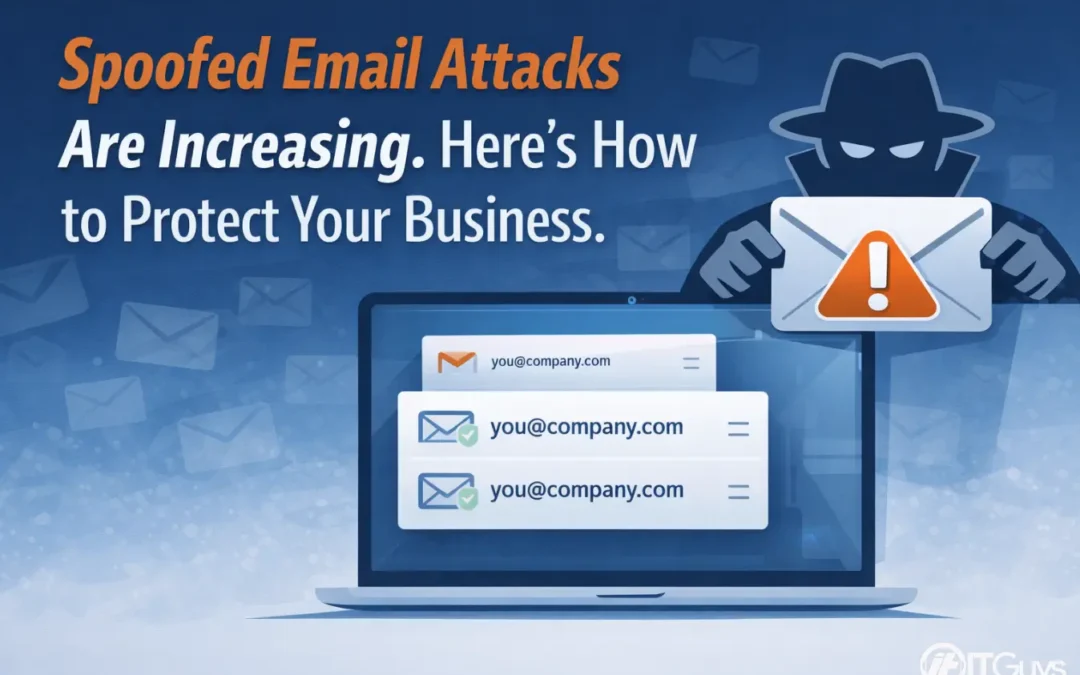
Spoofed Email Attacks Are Increasing. Here’s What Your Business Needs to Know
Over the past few months, many businesses have started noticing a rise in suspicious emails that look like they come from inside their own organization. At first glance, these messages can seem completely normal. They may even appear to come from your own email address.
That is what makes them effective.
These are known as spoofed emails. They are designed to blend in, avoid suspicion, and get someone to take a simple action like clicking a link or signing into a document.
This article breaks down what is happening, why it matters, and how you and your team can avoid becoming the next target.
What Is a Spoofed Email?
A spoofed email is a message that has been manipulated to look like it was sent by someone you trust. In many cases, attackers make it appear as though the message came from your own domain or from a coworker.
The goal is not just to get your attention. The goal is to get you to act without thinking twice.
Most commonly, these emails include a link to a document or file. When clicked, the link may lead to a login page that looks legitimate. Once credentials are entered, they are captured by the attacker.
What These Emails Usually Look Like
- An email that appears to come from your own address
- A message asking you to review or open a document
- A link that takes you to an external site instead of an internal system
- A login page asking for your email and password
- A message that feels slightly off or unusual
Some of these links may not even work. Others may lead to harmless pages. But some are designed specifically to collect login information.
Why This Is a Bigger Deal Than It Looks
It is easy to assume that security tools will catch everything. In reality, no system is perfect.
If someone enters their credentials into a fake login page, a few things can happen:
- Their email account could be accessed
- Sensitive company information may be exposed
- The attacker could send messages from that account
- Password reuse could put other systems at risk
Even with multi factor authentication enabled, risks still exist in certain scenarios, especially when users are caught off guard.
What Is Already Protecting Your Environment
Most businesses already have multiple layers of protection in place.
Email systems often use tools like Sender Policy Framework (SPF) to verify whether a message is actually coming from a trusted source.
On top of that, many organizations have:
- Multi factor authentication enabled
- Password and credential policies in place
- Email filtering systems that block obvious threats
- Ongoing monitoring for unusual activity
Organizations like the
Cybersecurity and Infrastructure Security Agency (CISA)
also publish guidance to help businesses stay protected as threats evolve.
What You Should Do Moving Forward
- Avoid clicking links in unexpected emails, even if they look internal
- Do not enter login details after clicking an email link
- Double check requests that seem unusual or out of place
- Verify through another method if something feels off
A quick pause before acting is often enough to prevent an incident.
What To Do If Something Seems Off
- Do not click anything in the message
- Forward it to your IT team or support provider
- Wait for confirmation before taking any action
If you already clicked a link or entered your password, report it immediately so your IT team can respond quickly.
Final Thoughts
Spoofed emails are becoming more convincing and harder to spot. They rely on normal behavior and small moments of distraction.
The good news is that most attacks can be prevented with a combination of security tools and user awareness.
When something feels unusual, it is always worth taking a second look.
Frequently Asked Questions
What is email spoofing in simple terms?
It is when someone sends an email that looks like it came from a trusted source, even though it did not.
Why would I get an email from my own address?
Attackers can manipulate email headers to make it appear that a message came from your own account.
Are these emails always dangerous?
Not always. Some links may be inactive, but others are designed to steal information.
Does multi factor authentication fully protect me?
It adds strong protection, but you should still avoid entering credentials into suspicious sites.
How can I check if a link is safe?
Hover over the link and inspect the URL. If it does not match the expected domain, do not click it.
What should I do if I already entered my password?
Contact your IT team immediately so they can reset credentials and check for suspicious activity.
Where can I learn more about email security?
You can review guidance from the
Federal Trade Commission (FTC)
and CISA for best practices.
ITGuys provides managed IT and cybersecurity services to help businesses stay secure, operational, and prepared for modern threats.
Contact ITGuys Today!
Denver Office – Local IT Support & Consulting
National Services – Managed IT Solutions Across the U.S.
Recent Comments